 gtcalc
How to plan a GregTech production line
A guide to gtcalc, the GregTech calculator and factory planner
gtcalc works backwards from one machine, the target. You say how much it should make, and every machine connected upstream resizes to feed it. This page covers the basics; the full guide is inside the planner (the book button in the header).
1. Pick the modpack
Choose GregTech (GTCEu), Sky Greg or GT New Horizons from the menu at the top left. Each pack keeps its own recipes, canvas and saved flows. In GTNH, items that share a name (Iron Ore on a dozen stones and planets) show as one search result with a type picker.
2. Add the machine you want
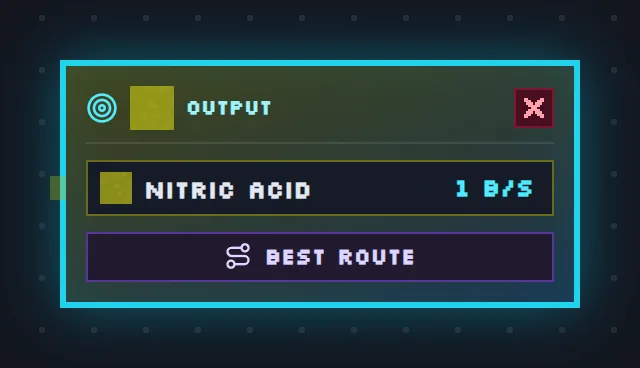
Press Add a new node (or right-click the canvas) and search by item, by machine, or across all recipes. The first machine you add becomes the target. Click its output number and type a rate, such as 2B, 500 or 20k, per second or per minute.
3. Link the suppliers
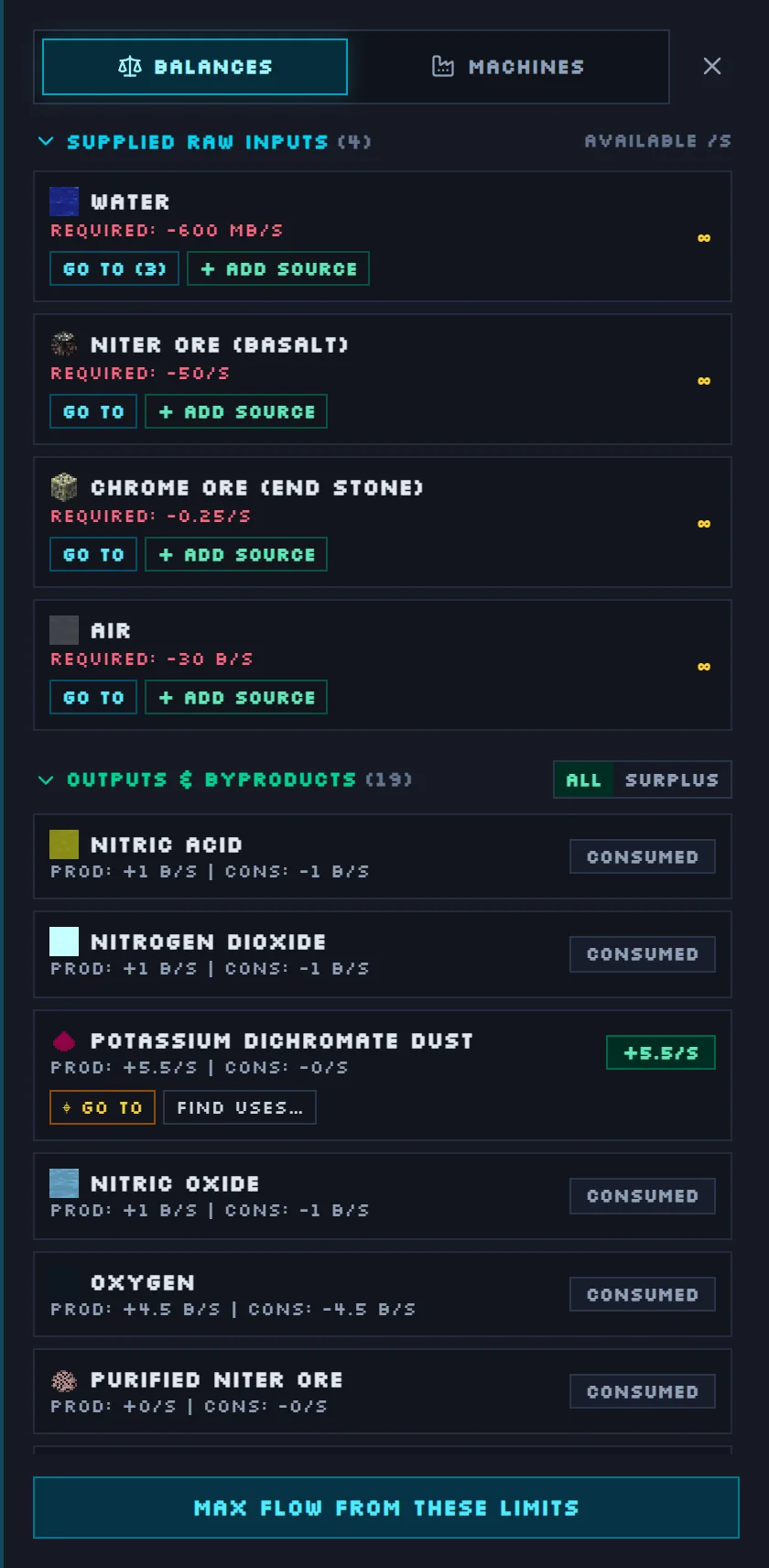
Click an input on a card to find machines that make it, or drag from an input onto another card. Auto Connect wires every input to every machine on the canvas that makes it. Best Route goes further and plans the whole chain down to raw resources. Anything nothing supplies is a raw input, listed in the side panel under Balances.
4. Tiers and overclocking
The coloured badge on each card is its voltage tier: left-click steps up, right-click steps down. Each tier above a recipe's base tier halves the craft time and multiplies the EU/t by 4, so the energy per craft doubles. That is why base tier is the most efficient and higher tiers save machines.
5. Multiblocks and parallel hatches
Many recipes can run in a larger multiblock instead. Pick it in the dropdown on the card, and choose a parallel control hatch where the machine takes one. A hatch runs that many crafts at once for that many times the EU/t; power left over at the energy hatch's tier overclocks the combined recipe.
6. Generators and power
Generators, large combustion and extreme engines, large turbines (with rotors and holder tiers) and large boilers show their fuel use and EU/t or steam. The energy box shows the budget, what the line uses, what generators make, and the net.
7. Balance it with Auto Ratio
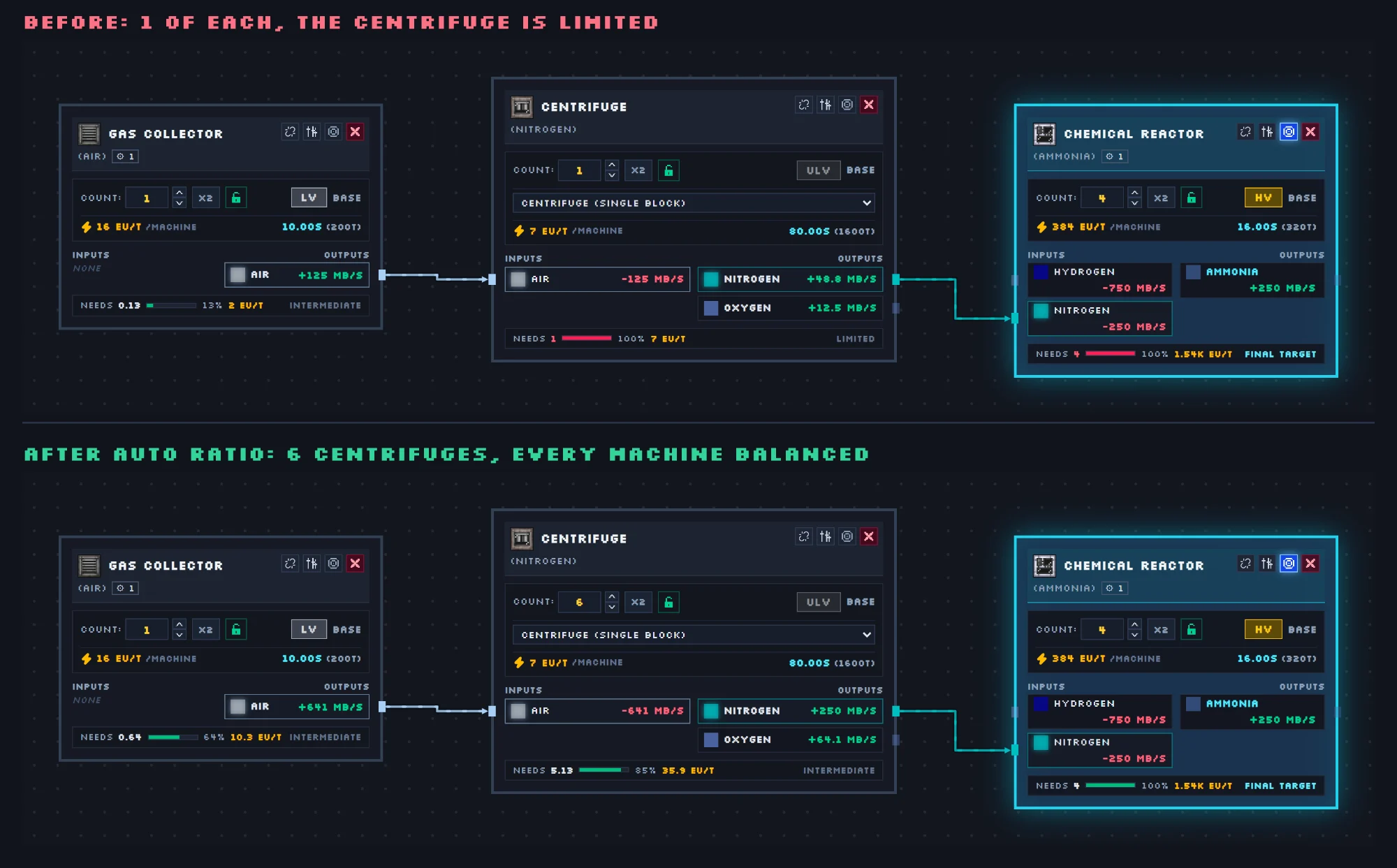
Auto Ratio picks every machine's tier in one click: Max Efficiency keeps everything at base tier, Min Machines takes the upgrades that save the most machines per extra EU/t until the budget is used, and Balanced stops at a third of that power. Lock a card to keep machines you have already built.
How the numbers work
Recipe amounts are per craft; cards show per second (amount ÷ craft time × machines). The whole canvas is solved at once: every connected input is fully supplied, no machine sends out more than it makes, the target runs at your rate, and among all the ways to do that the cheapest wins. Byproducts and spare outputs are used before any machine runs harder, and chanced outputs count at their chance.
Save and share
Flows save in your browser, or to your account on any device. Export a flow as an image or a .json file, or share it on Community where other players can vote, comment and make their own copy.