 gtcalc
GregTech CEu calculator and machine planner
GTCEu 1.20 · Sky Greg · free, no login
gtcalc is a free GregTech calculator and factory planner for GregTech Community Edition Unofficial (GTCEu) modpacks. Add the machine you want to run, link its suppliers, and gtcalc works out how many machines of each kind you need, which voltage tier to build them at, and how much EU/t the line uses.
Open the GTCEu planner Open it for Sky Greg
What it does
- Real recipes: about 30,000 from a GTCEu recipe dump, and 34,000 for the Sky Greg modpack (its KubeJS recipes included).
- Machine counts and ratios: the whole canvas is solved at once, so byproducts are used before any machine runs harder, and the cheaper route wins.
- Overclocks: each tier above a recipe's base halves the craft time for 4x the EU/t. gtcalc shows the speed and the power at every tier.
- Multiblocks and parallel hatches: run a recipe in a large machine, fit a 4x, 16x, 64x or 256x parallel control hatch, and see the EU/t it really draws.
- Generators: combustion generators, large combustion and extreme engines, large turbines with rotors, and large boilers, with fuel use per second.
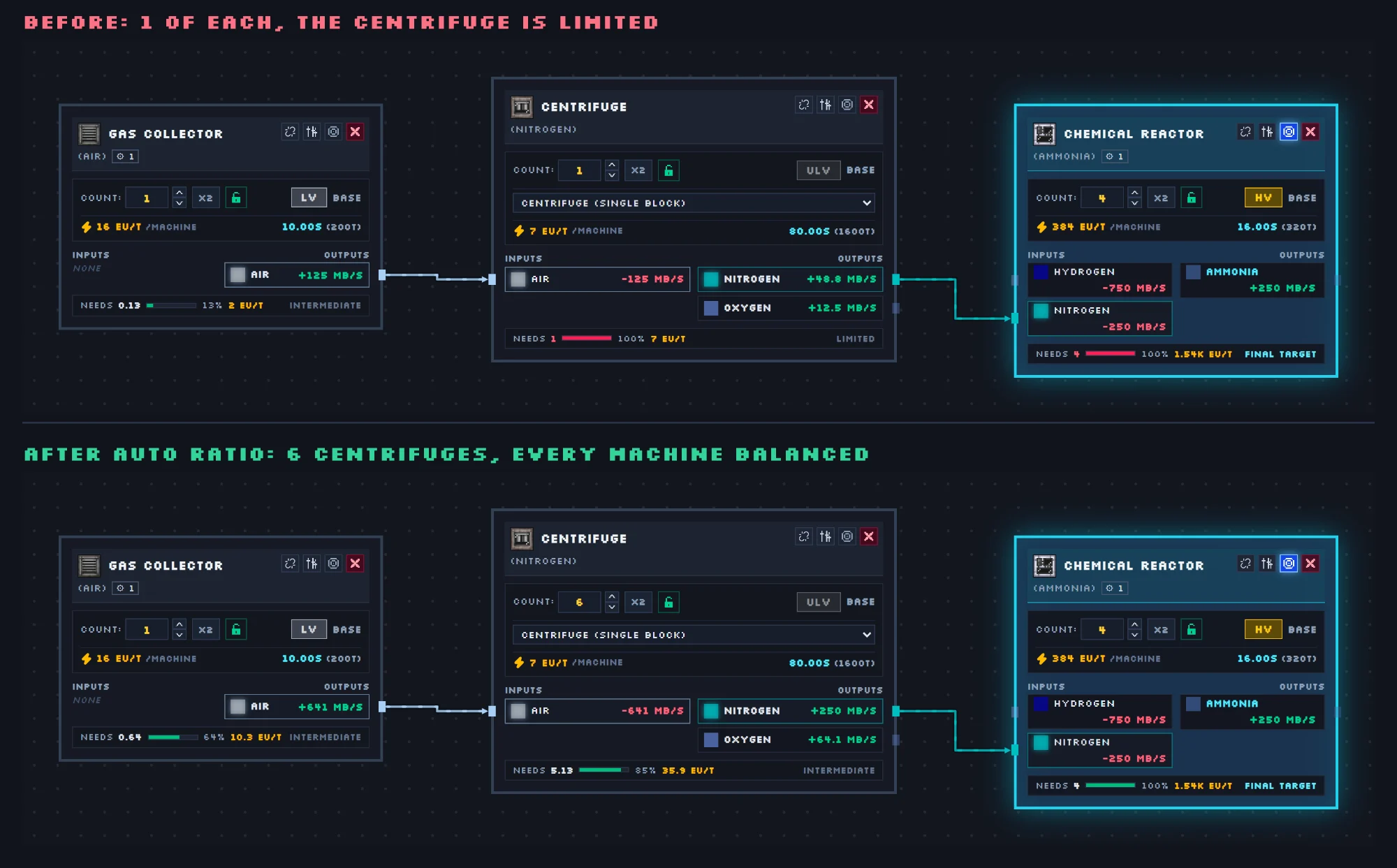
- Auto Ratio picks a tier for every machine in one click (most efficient, fewest machines, or balanced), within your EU/t budget.
Plan a GregTech factory
- Open the planner and add the machine you want to build towards, such as a Chemical Reactor making Gasoline or a Combustion Generator.
- Set the rate you need on its output. Every machine connected upstream resizes to feed it.
- Click an input to add a machine that makes it, or press Auto Connect to wire everything on the canvas together.
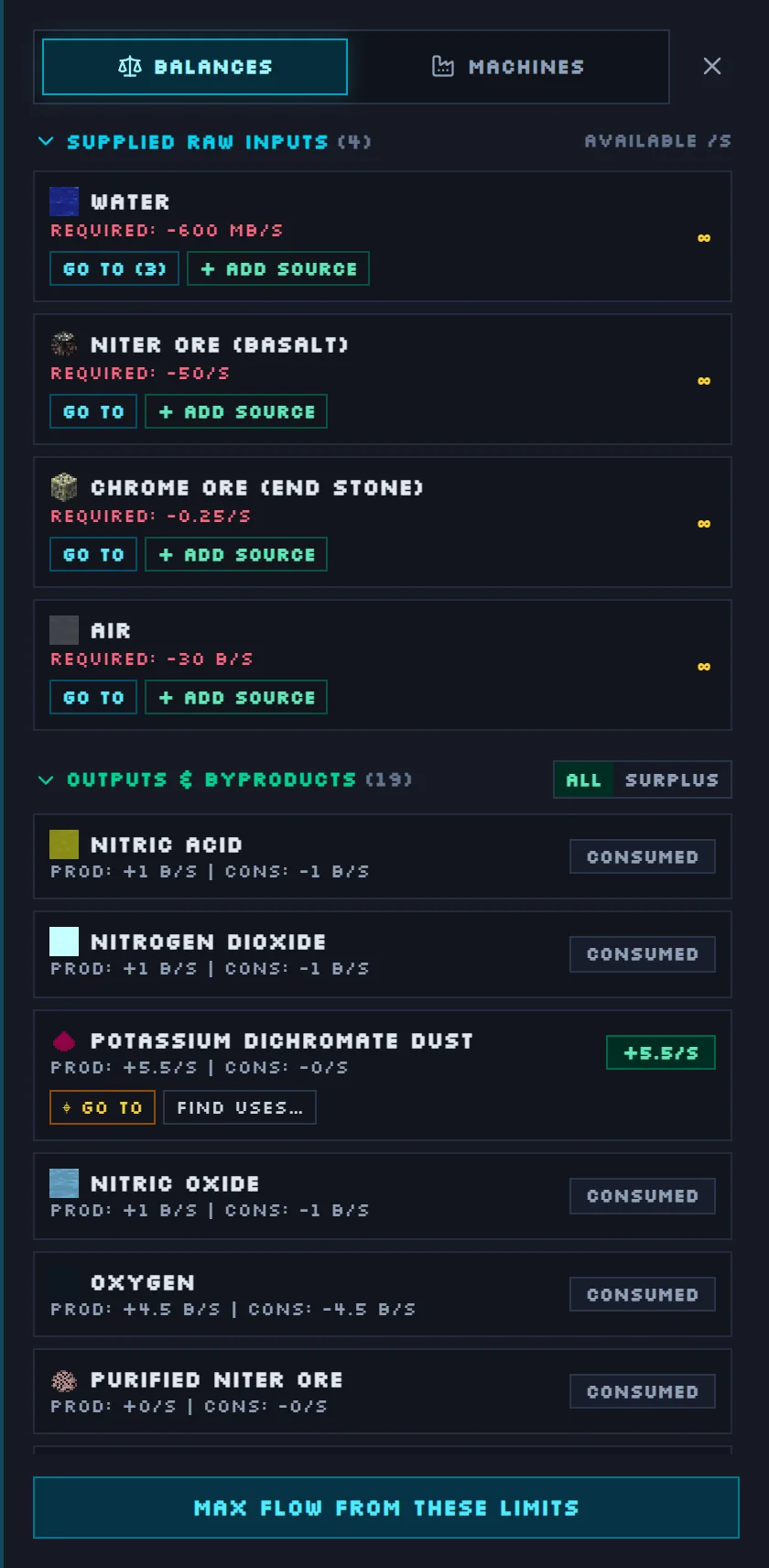
- Press Auto Ratio, then read the totals: EU/t used, power generated, raw inputs and surplus.
Share and explore
Save flows in your browser or to an account, export them as a picture or a .json file, and share them on Community, where other players can vote, comment and copy them.
Other modpacks
Playing GT New Horizons? gtcalc has a GTNH calculator with every GTNH 2.8 recipe. The guide explains every part of the planner.